Offline-first POS for retail and food service chains

Checkout runs locally. Your chain stays consistent.

POSek is POS + HQ built for real-world stores: queues, rush hours, and unreliable connectivity. Stores keep selling without interruption, while HQ keeps one source of truth for pricing, promos and configuration.
Sales without internet Consistent pricing & promos Retail + QSR Automatic sync Hardware integrations
Built for multi-location rollout (owned + franchise)
Company-owned Franchise QSR Convenience Bakeries
Preview

One platform: POS + HQ

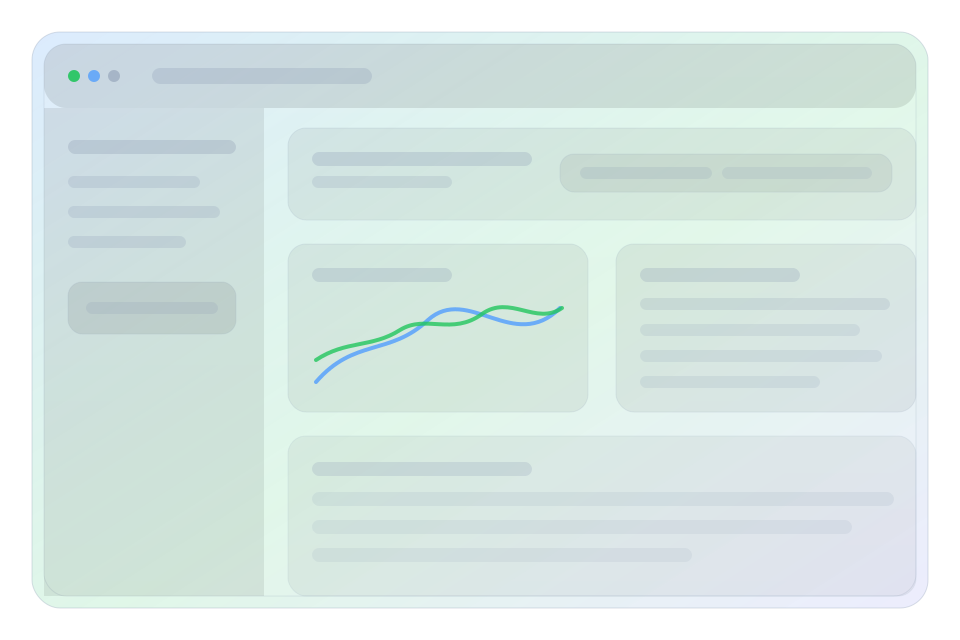
Preview of the POSek HQ dashboard

When connectivity drops, stores keep running on-device. When it returns, POSek syncs events and updates automatically.

Segments

Fit POSek to how you operate

Pick a segment and see what we optimize on the floor and what HQ gets out of it.

What matters in a queue

  • Fast checkout: scanner, scales, shortcuts, minimal taps.
  • Promos and discounts applied the same way in every location.
  • Sales keep working offline, no “paper mode”.
  • Refunds and corrections with a clear history of what happened.

What HQ gets

  • One place to manage catalog, pricing and promotions.
  • Store and device configuration without manual work per site.
  • Daily reporting and visibility across the chain (sales + sync).
  • Room to grow: delivery/kiosk as the next step.
Visual: retail — fast checkout, promotions and centralized control
Quick start

Want to see POSek on your real scenarios?

We demo the same core, tailored to your context: retail/QSR/franchise, including offline and promo scenarios.

Why POSek

A chain POS. Not a fairy tale about perfect internet.

Designed for scale: fast checkout, consistent pricing & promos, QSR flows, and real hardware integrations.

Peak-time speed

Queue-friendly UX: scanner, scales, shortcuts and simple sales paths.

One set of rules

Pricing and promotions stay consistent across locations, without manual babysitting.

Offline-first for real

Sales run locally, and the system reconciles & syncs automatically when connectivity returns.

Food service ready

Modifiers, variants, combos and optional recipes + inventory depletion.

Integrations that hold

Fiscalization, payment terminals, printing, scanners, scales, plus APIs for back office systems.

Scale without pain

New locations go live in a repeatable way: configuration, consistent data, stable runtime.

Diagram

POSek as an operations hub

Store hardware and sales run on-site, HQ keeps configuration, data and reporting consistent across the network.
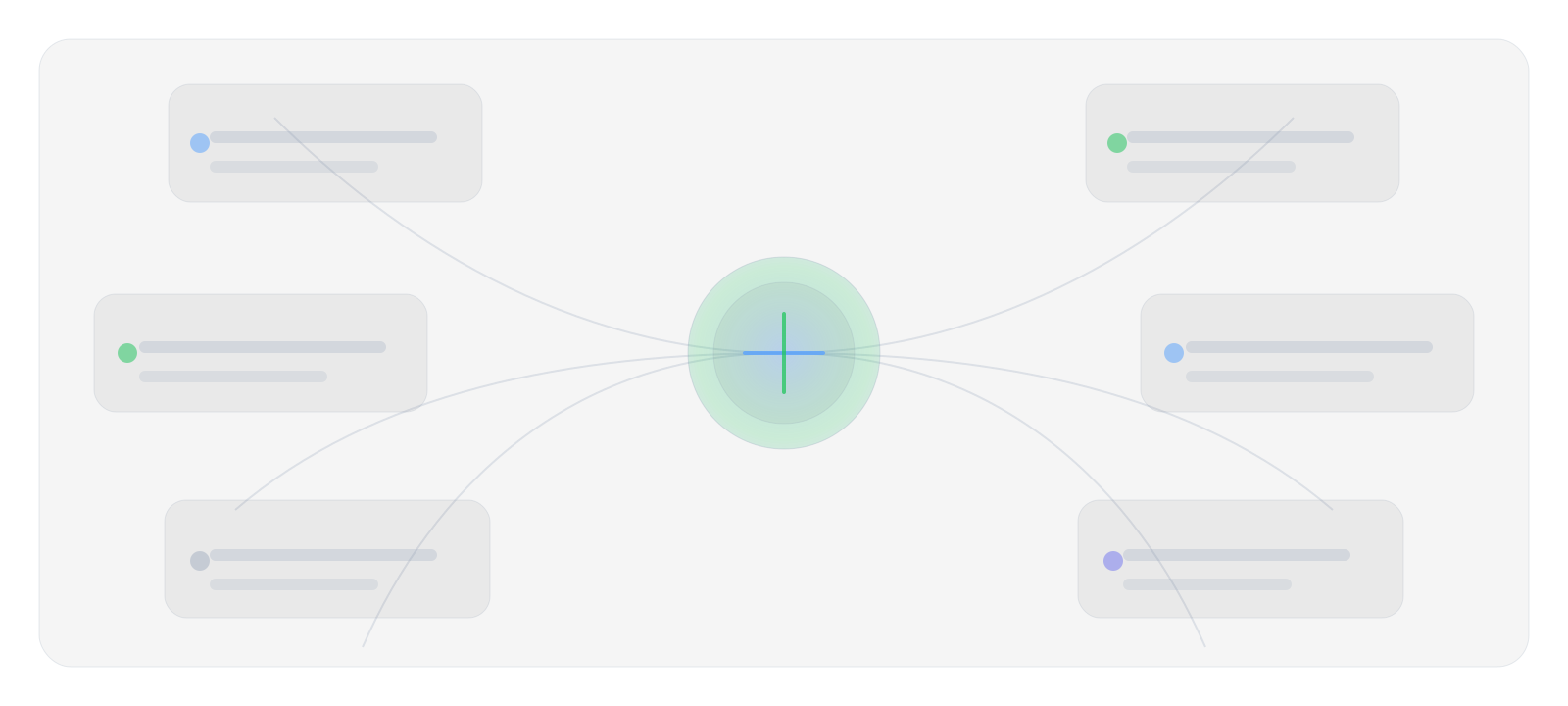
Integration map: devices, payments, fiscalization and APIs to back-office systems
Features

The core that sells. The extras that save time.

Sales, food service and HQ tied to one model so your chain stops living in multiple versions of truth.

Sales

  • Scanner, scales, fast search and shortcuts.
  • Receipts, refunds, corrections and peak-time performance.
  • Payments: cash, card, BLIK, mixed.

Pricing & promotions

  • One pricing & promo policy for the chain.
  • Bundles, discounts, stacking rules and time-based promos.
  • Changes reach stores automatically.

Food service

  • Modifiers, variants, combos and order notes.
  • Recipes and depletion (optional).
  • Kitchen integrations (print/KDS) as a next step.

HQ (Back office)

  • Configure stores, devices and reference data.
  • Daily reporting and chain-wide visibility.
  • Consistency without manual “data chasing”.

Inventory & operations

  • Deliveries, transfers, adjustments, stocktakes.
  • Stock control and optional automatic depletion from sales.
  • Offline: operations don’t stop on a bad network day.

Extensions

  • Delivery and kiosk as modules (when the business needs it).
  • API integrations (ERP/BI/CRM/accounting).
  • Configuration by format, not by “one true process”.
Offline-first

When the internet disappears, sales doesn’t

POS works on-device. Events are stored safely and synced automatically when connectivity returns.

1

Stores run locally

Pricing, menu and configuration are available on the device, so checkout doesn’t wait for HQ.

2

The system remembers events

Transactions and operations are saved safely even when connectivity is unstable.

3

Sync when the network is back

When connectivity returns, POSek sends events to HQ and pulls updates for the store.

POS (offline)
Event queue
HQ
Updates to stores

In practice: stores keep selling, HQ gets a consistent picture as soon as it’s possible.

Integrations

POS doesn’t live in a vacuum. Thankfully.

Store hardware and back-office systems are part of the puzzle. POSek connects them in a way that survives real rollout.

Store hardware

  • Scanners, scales, cash drawers.
  • Printers and fiscalization.
  • Payment terminals and receipts.
scanning weighing fiscal payments

Back-office systems

  • APIs for integrations and exports.
  • Data foundations for BI and reporting.
  • Extensions (delivery/kiosk) as the next step.
ERP BI CRM Accounting

Compliance & clarity

  • Clear trace for sensitive operations and changes.
  • Data hygiene (GDPR) as default.
  • Consistent daily reports and settlements.
Audit History Stability Compliance
Rollout

Go live across the chain, without stopping sales

We tailor configuration to your operations, validate real scenarios (including offline), then go live safely location by location.

How we work

  1. Fit processes & configuration
  2. Demo on real scenarios (including offline)
  3. Close integrations & hardware
  4. Go live across locations without downtime
  5. Polish & stabilize

Support

  • Clear incident path and fast response for sales-critical issues.
  • Regular updates: security and regulations.
  • Network visibility and fast diagnostics.
  • Continuous improvements after go-live.
Visual: go-live stages — configuration, integrations and rolling out locations
FAQ

Questions you’ll ask anyway

Does checkout work without internet?

Yes. POS runs locally, and synchronization happens automatically when connectivity returns.

Can we reuse our existing hardware?

In most cases, yes. We close the peripheral compatibility during configuration and integration alignment.

How do pricing and promotions work across locations?

HQ keeps one pricing & promo policy, and stores receive updates automatically without manual “uploads”.

What about food service?

POSek supports modifiers, variants and combos. Recipes and inventory depletion can be enabled as an extension when you need it.

Contact

See a demo tailored to your chain

15–30 minutes, real scenarios: queues, promos, food service, offline and integrations. No “digital transformation” theater.

Contact us

Email: hello@posek.pl

Quick form

This form doesn’t send data to a server — it opens an email draft in your mail client.